10 Common and Costly UX Mistakes in AI Products and How to Avoid Them
AI can make your product smarter, but without thoughtful UX it can just as easily make it confusing, unpredictable, and impossible to trust.
Over the past few years, research from Nielsen Norman Group, Google PAIR, and real-world testing has shown a clear truth: when AI features ignore how humans actually interact with them, adoption tanks and frustration soars.
If you are building an AI-powered product, these are the 10 most expensive mistakes I see teams make and the practical ways to fix them before launch.
Why UX Can Make or Break Your AI Product
It is not enough for the model to “work.”
If users do not understand what is happening, cannot trust what they see, or have no idea how to recover from an error, the entire experience collapses. In AI-first products, UX is not decoration. It is the bridge between intelligence and usability.
1. Failing to Explain What the AI Does and When It Is Active
Users should never be guessing whether they are looking at AI-generated content or system-generated content, or whether the AI is still running. Uncertainty destroys trust.
Example: An AI medical diagnostics app does not clarify whether a result came from an algorithm or a human doctor. The user has no clue if they should get a second opinion.
How to Fix:
Use clear labels like “AI-generated” or “Based on your data.”
Skip the jargon and speak plainly.
Tell the user exactly what the AI is doing and what it is not doing.
2. Overpromising Capabilities
Overclaiming is the fastest way to lose trust. If you promise perfection, you will fail the moment your AI gets something wrong.
Example: A chatbot says “Ask me anything” but cannot answer a basic question about changing a subscription plan.
How to Fix:
Set realistic expectations: “We can help you with…” instead of “We know everything about…”
Be open about limitations.
Remember, a reliable AI manages expectations as well as it delivers results.
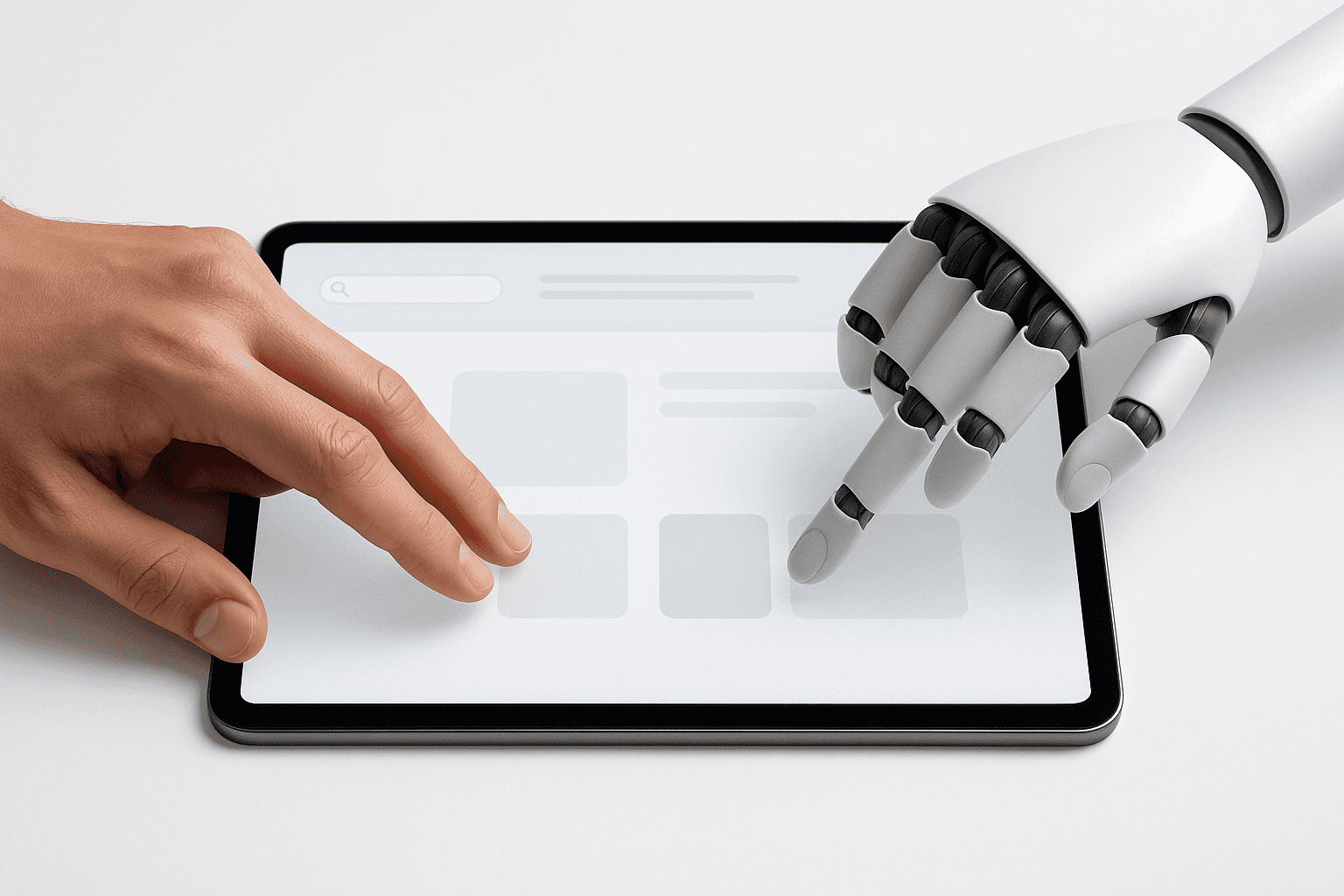
3. Cutting Out Human Correction
If the AI gets it wrong and the user cannot fix it, they feel trapped.
Example: A photo editing app auto-applies filters with no way for the user to adjust or undo them.
How to Fix:
Always allow editing, undoing, or refining AI outputs.
Combine automation with control. Let AI suggest and humans decide.
4. Ignoring Model Bias
Bias in, bias out. If your training data is skewed, your AI will deliver skewed results.
Example: An AI hiring tool favors men because historical hiring data was dominated by male candidates.
How to Fix:
Test with diverse, representative users.
Watch for patterns in which certain groups get worse outcomes.
Build in monitoring and alerts to flag bias.
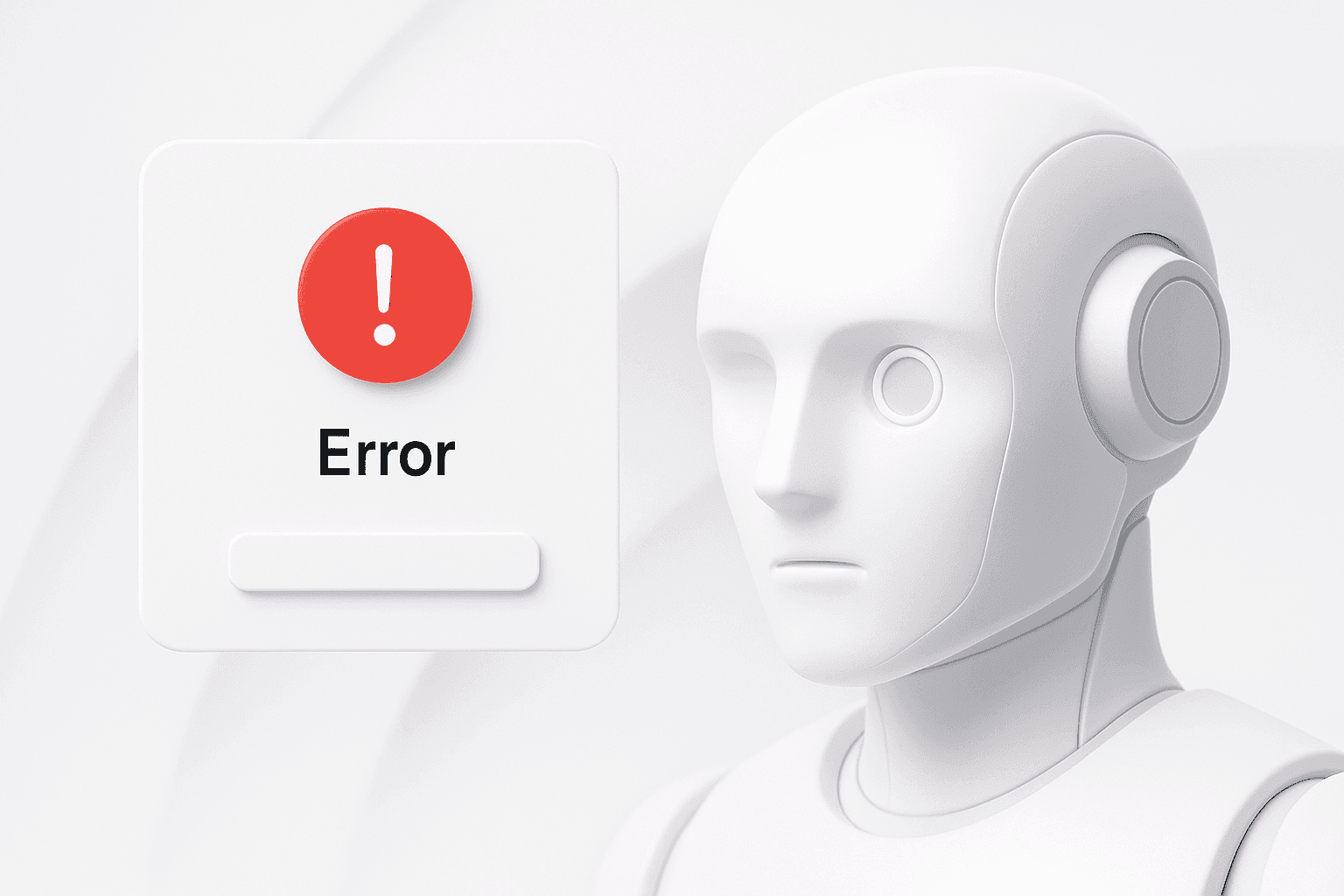
5. Not Designing for Failure
AI will fail. The real damage comes when users are left stranded without a path forward.
Example: An image generator shows “Something went wrong” and nothing else.
How to Fix:
Design recovery flows like “Try again” or “Try a different prompt.”
Use friendly, non-technical error messages.
Give users a way to send feedback and improve the system.
6. Creating a Black Box
If users cannot see why they got a certain result, they will not trust it.
Example: A music app recommends songs without saying if it is based on listening history, trending tracks, or similar user behavior.
How to Fix:
Add context like “Based on what you played this week.”
Make explanations optional but easy to find.
Transparency equals trust.
7. Skipping Real User Testing
Internal logic is not enough. You need to see how actual users react to your AI in practice.
Example: An AI reporting tool hides key features inside a menu that no one ever finds during testing.
How to Fix:
Test with real users early, even with basic prototypes.
Watch where they pause, skip features, or get confused.
Refine before launch.
8. Not Teaching Users How to Use the AI
Most people are not prompt engineers. Dropping them into a blank box with no hints is a wasted opportunity.
Example: A generative AI tool launches with nothing but an empty text field, offering no clue about what inputs work best.
How to Fix:
Give examples, suggested prompts, and inline tips.
Offer micro-tutorials at the right time.
Guide without overwhelming.
9. Giving Limited Options Without an Escape
When all the AI’s suggestions miss the mark, the user needs a quick way to take over.
Example: An AI email tool offers three canned replies but none match the tone the user wants.
How to Fix:
Add “None of these” or “Write my own.”
Make overriding the AI effortless.
10. Hiding Levels of Certainty
Presenting guesses as facts is dangerous, especially in sensitive domains.
Example: A health app states “You have the flu” instead of “This may be the flu based on your symptoms.”
How to Fix:
Use language like “This might be” or “There is an 80% chance.”
Show confidence levels when relevant.
Give alternative possibilities to explore.
Final Word
The challenge in AI product design is not the model. It is everything around it.
Your users need clarity on what the AI is doing, the ability to steer it, and a reason to trust it. Get the UX right and your AI becomes a value multiplier. Get it wrong and even the smartest model will end up as shelfware.